Download Microsoft Windows and MS Project
If you are part of Batch 26 and above DO NOT follow the instructions below.
Microsoft Windows and Microsoft Project are available now.
Log in to the Azure Education Portal with your Office 365 credentials.
(If you have not created a Microsoft account using uom.lk email, please follow the instructions located on the previous page and create a Microsoft account first. After creating this account Log in to Azure Education Portal using your newly created credentials.)
You may be required to verify your account once you enter MS Account Credentials for the MS Azure link. Use your @uom.lk account for verification.
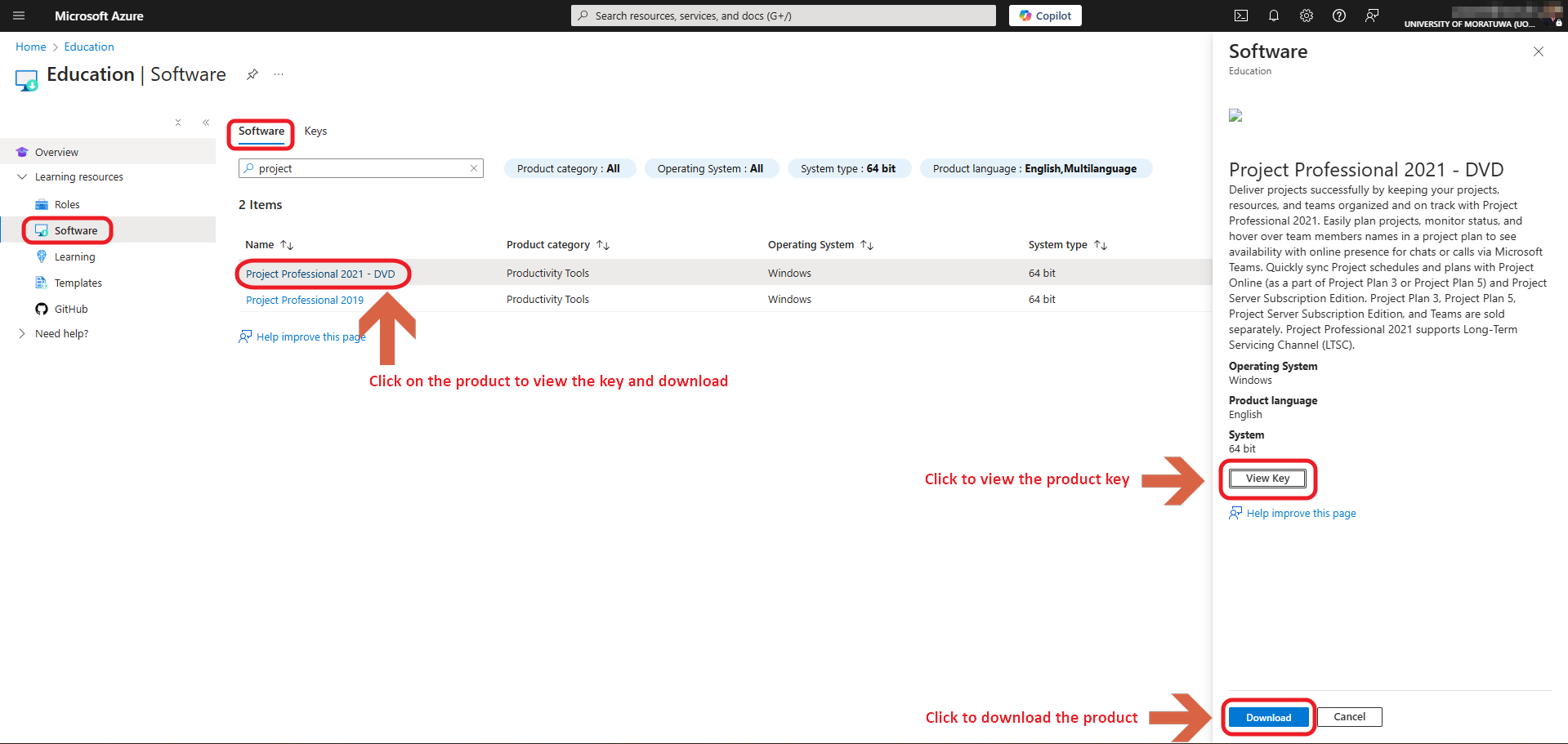
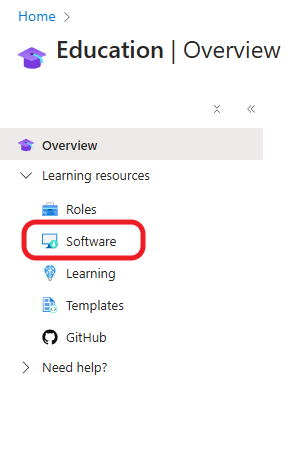
Click on Software Under Learning Resources on the left.
Click on the required Product you wish to download under the software tab, and click on "View Key" to obtain the key, Click on "Download" to download the product