
Purchasing online at shop.uom.lk
Official Merchandising Platform for University of Moratuwa is available at https://shop.uom.lk
Online customers may follow the following steps to purchase online at https://shop.uom.lk
Navigate to https://shop.uom.lk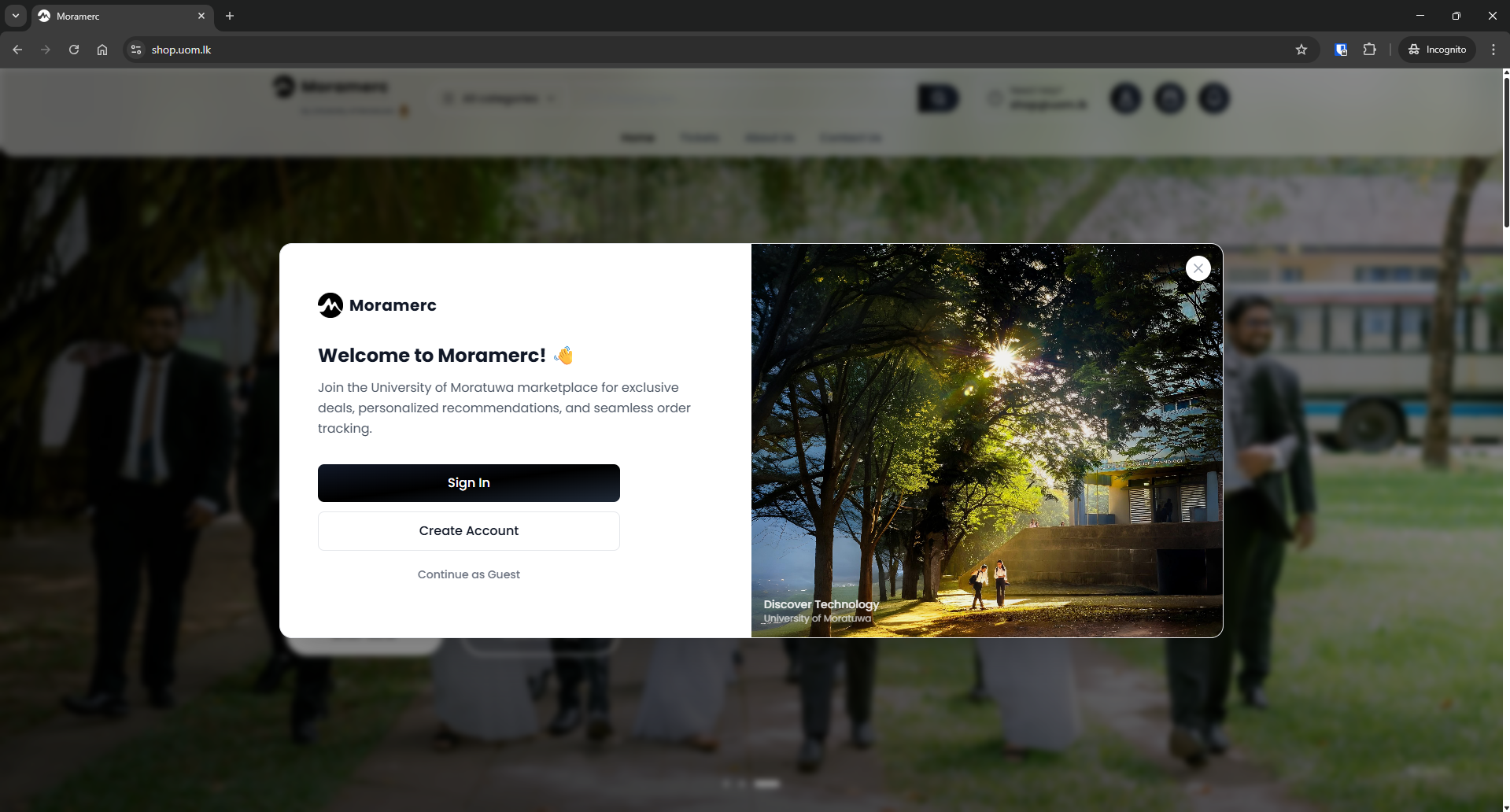
To purchase online, you must have an account on https://shop.uom.lk . If you are new customer please Create a new Account.
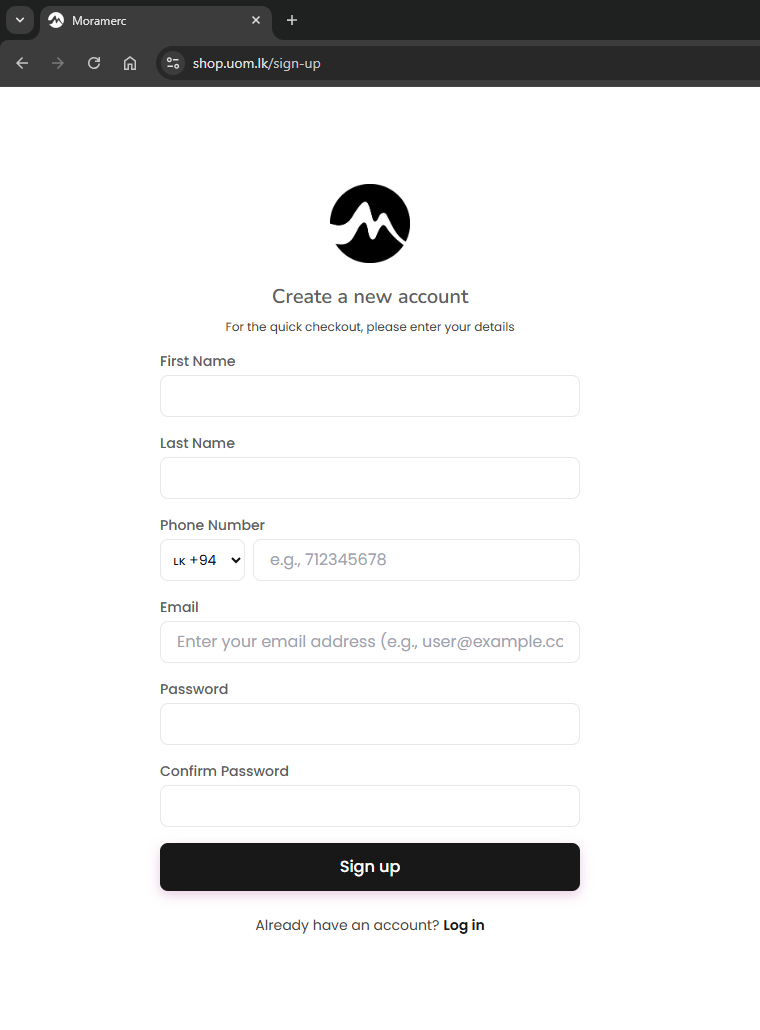
Please make sure that your email address given in the form is correct.
If you already have an account, sign in.
After logging in, select the category you would like to purchase. For example, if you want to purchase event tickets, select tickets.
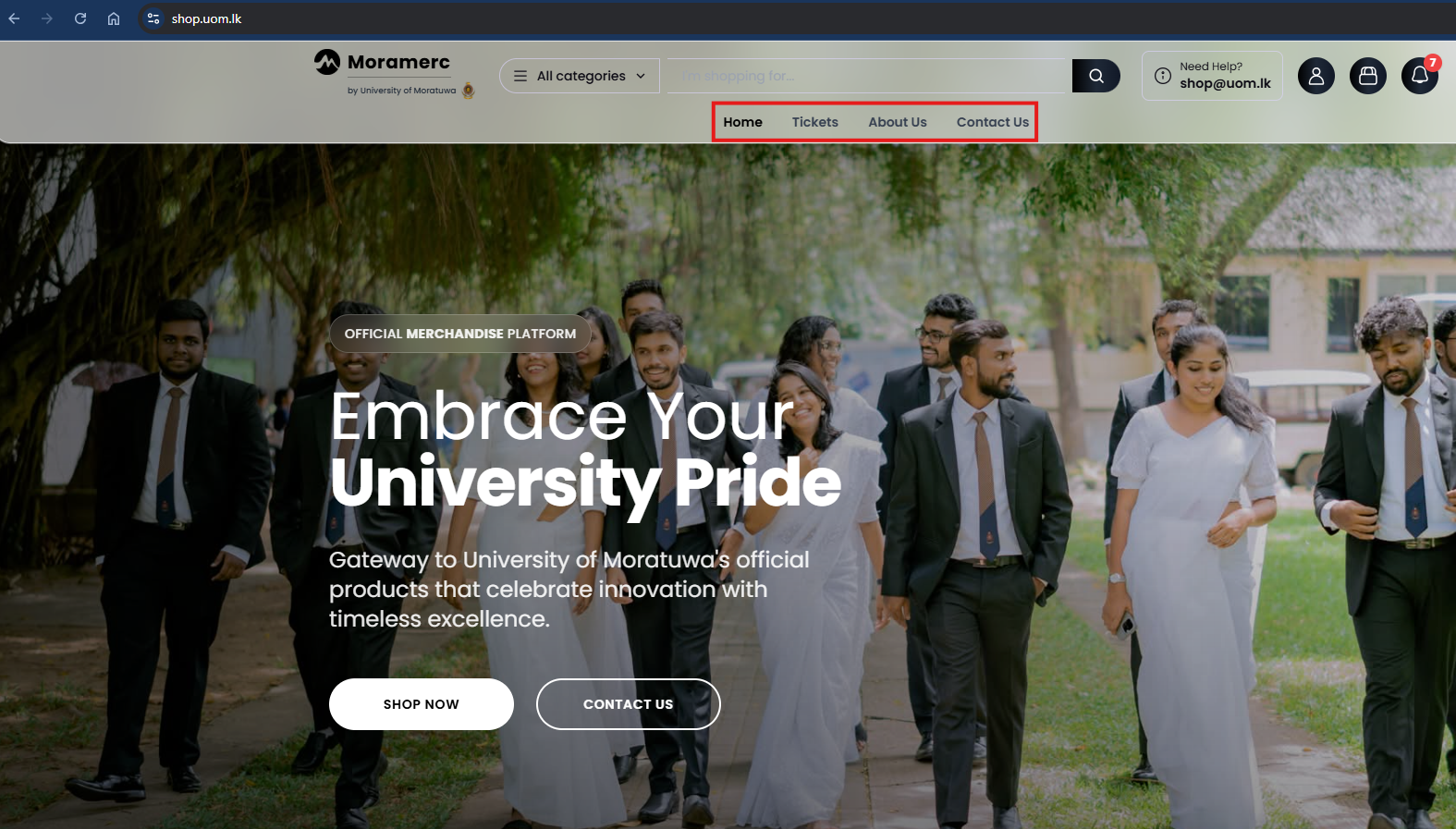
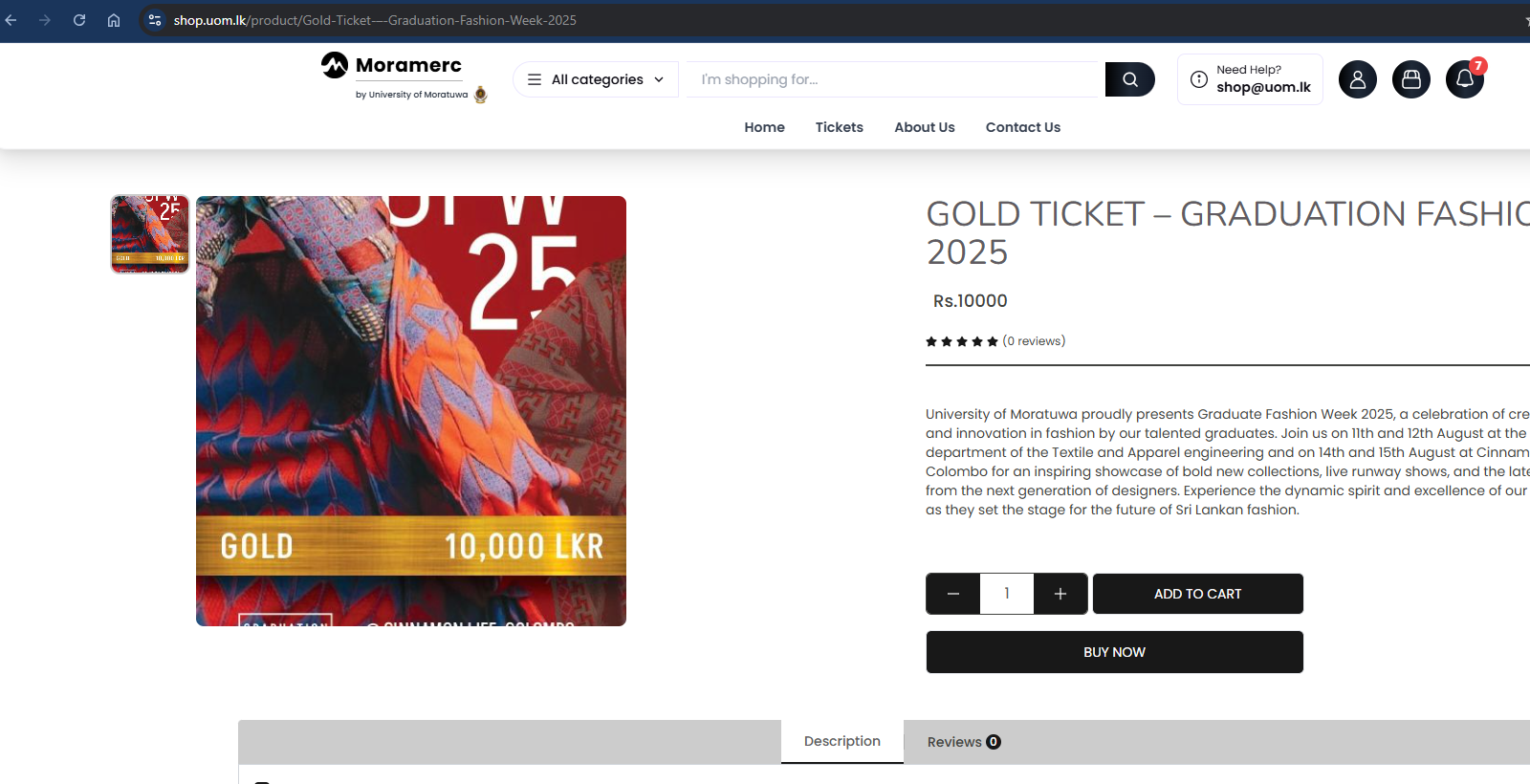
Select the item you want to purchase.
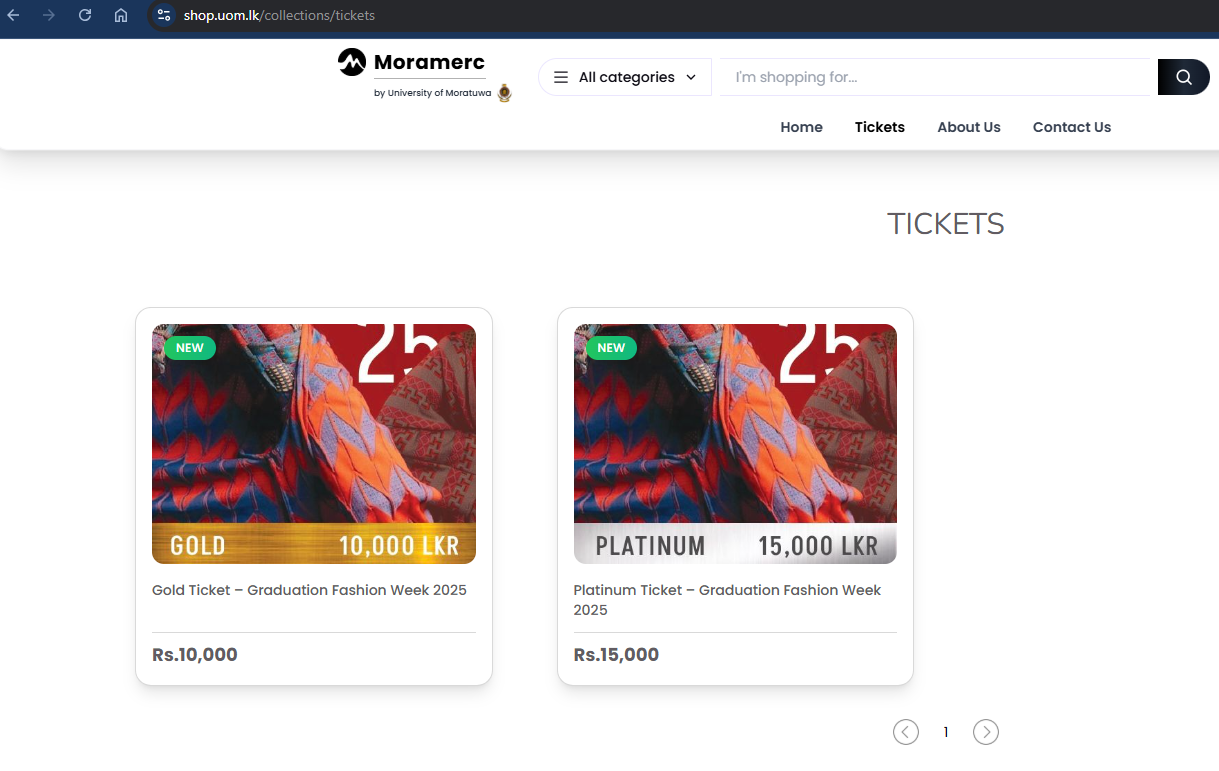
Select the quantity and click buy now. Please note that you can proceed with this step only if you have already signed in to the website as explained earlier.
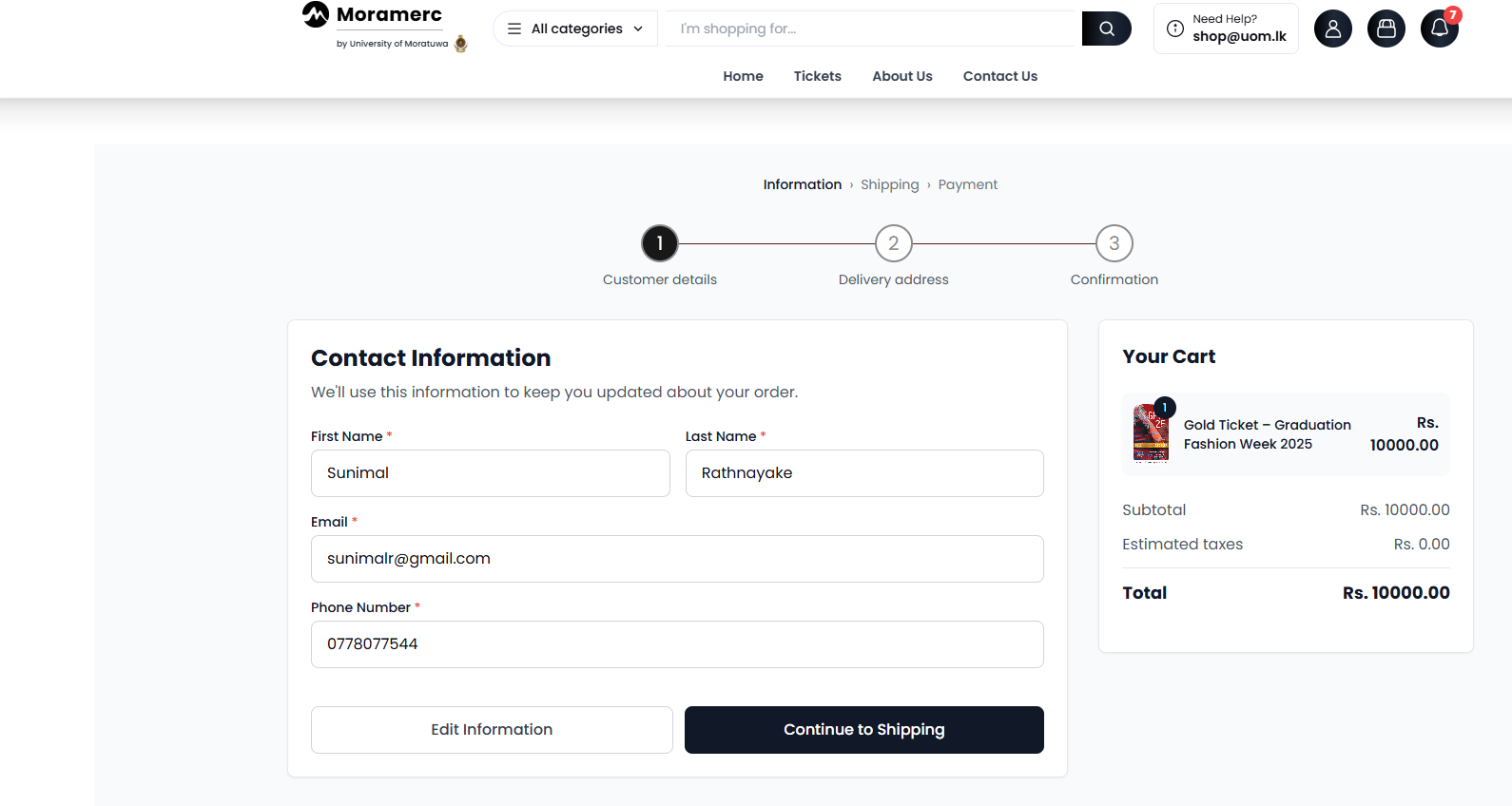
Check your contact information and continue to shipping.
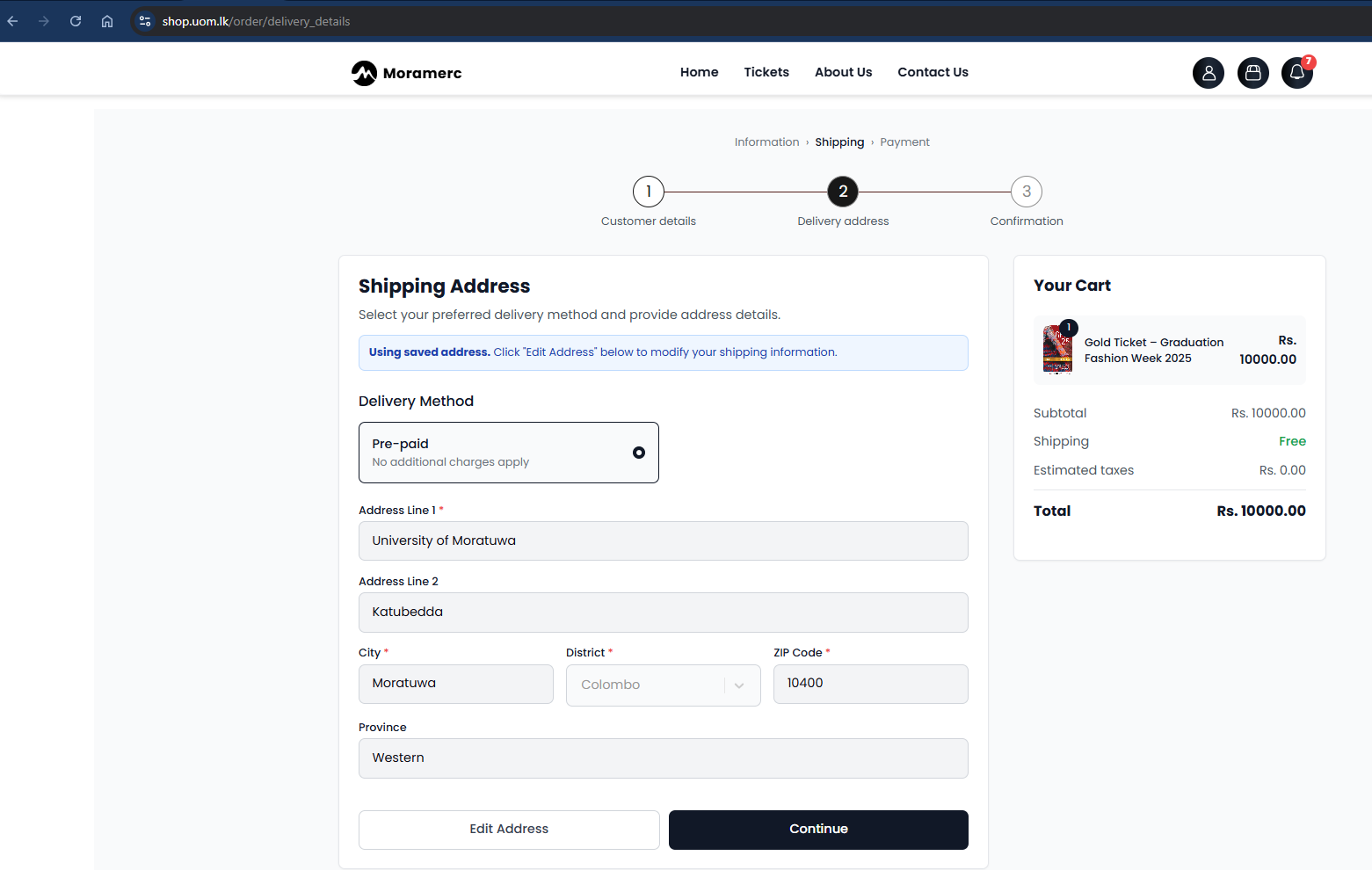
Check your shipping address and continue.
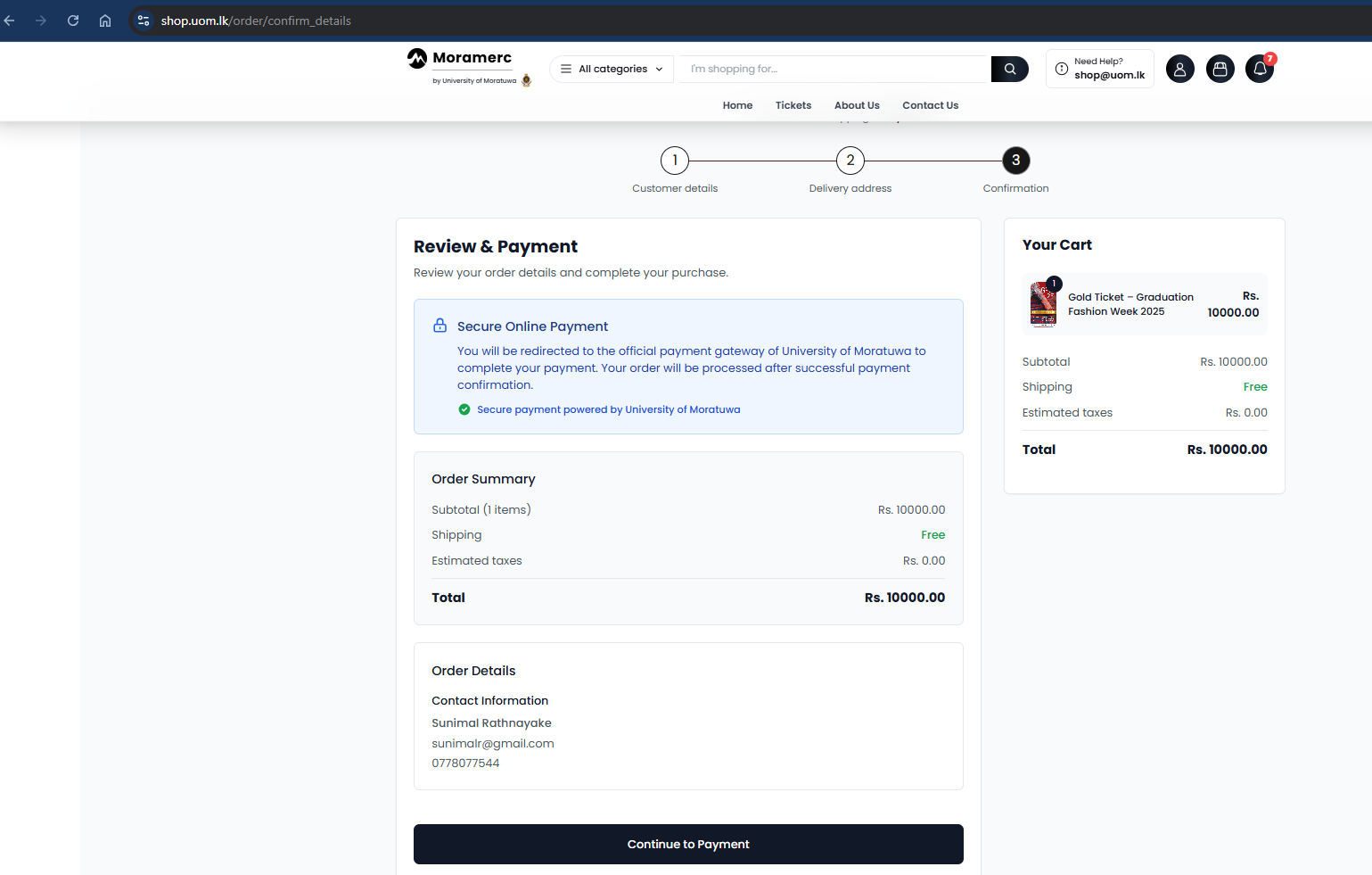
Review and continue to payment.
Select your preferred online payment option and complete the payment.
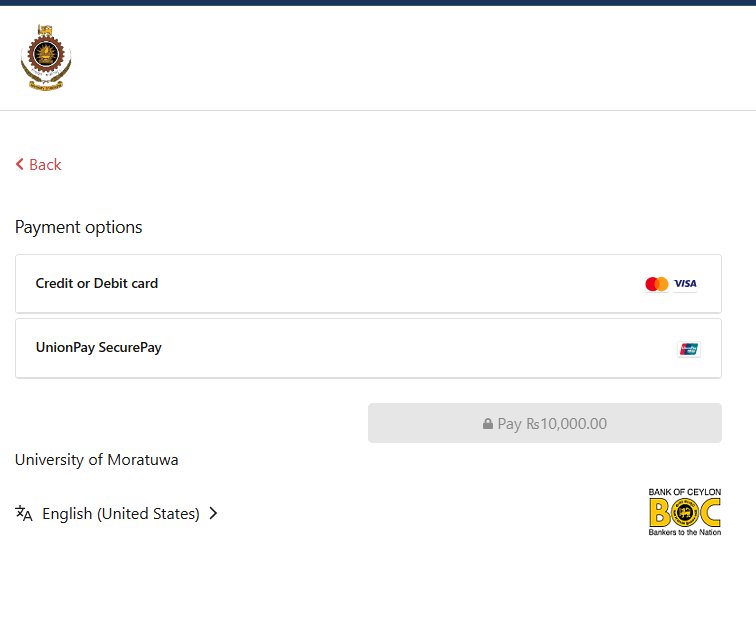
After completion of the payment, you will be taken back to shop.uom.lk website to complete the order. You will also receive an email to your registered email address.
If you come across any issues, please contact CITeS via shop@uom.lk email.