
Log in to UOM email
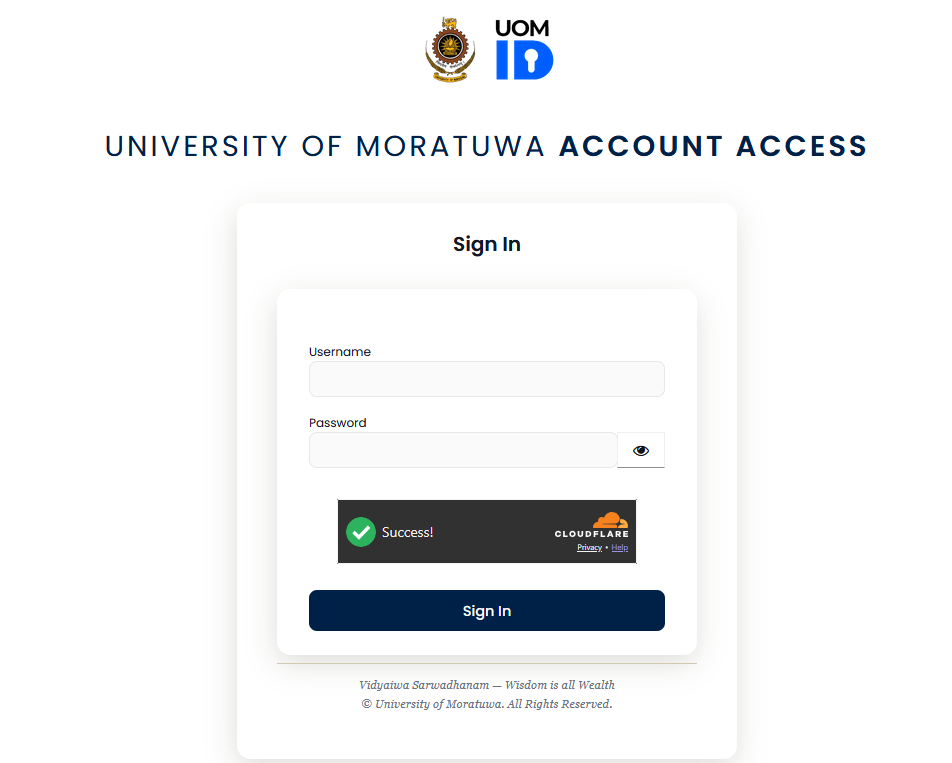
Enter your UOM username and the password in the textboxes. Wait until the green tick appears in the Cloudflare box. If requested, click the checkbox. Click sign in. Enter the one time code from your authenticator app on your phone. If you are logging in for the first time, please follow the guide at test
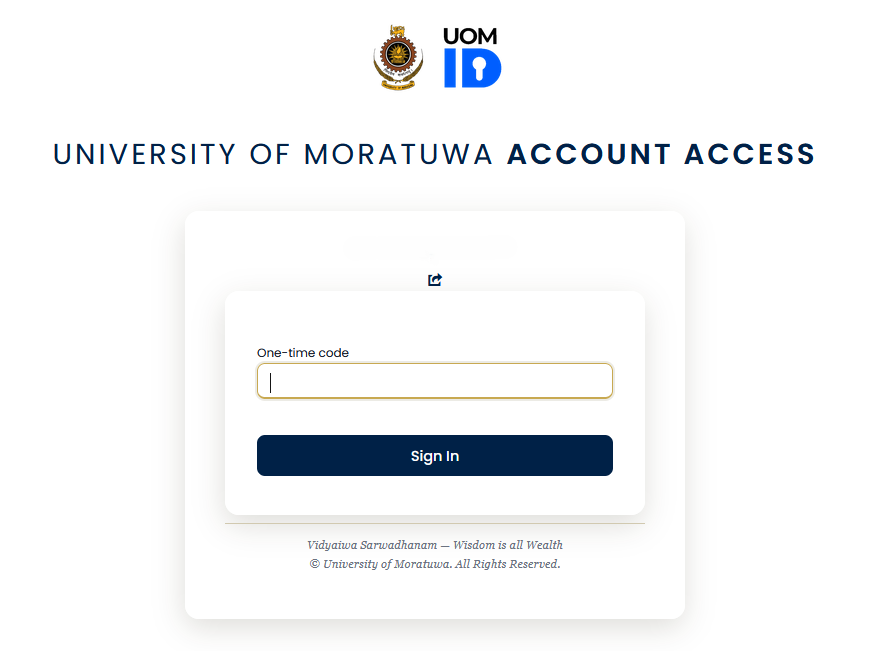 Click sign in.
You are logged into your UOM email.
Click sign in.
You are logged into your UOM email.