Skip to main content
Log in to UOM email
- Open your browser and go to Gmail mail.google.com
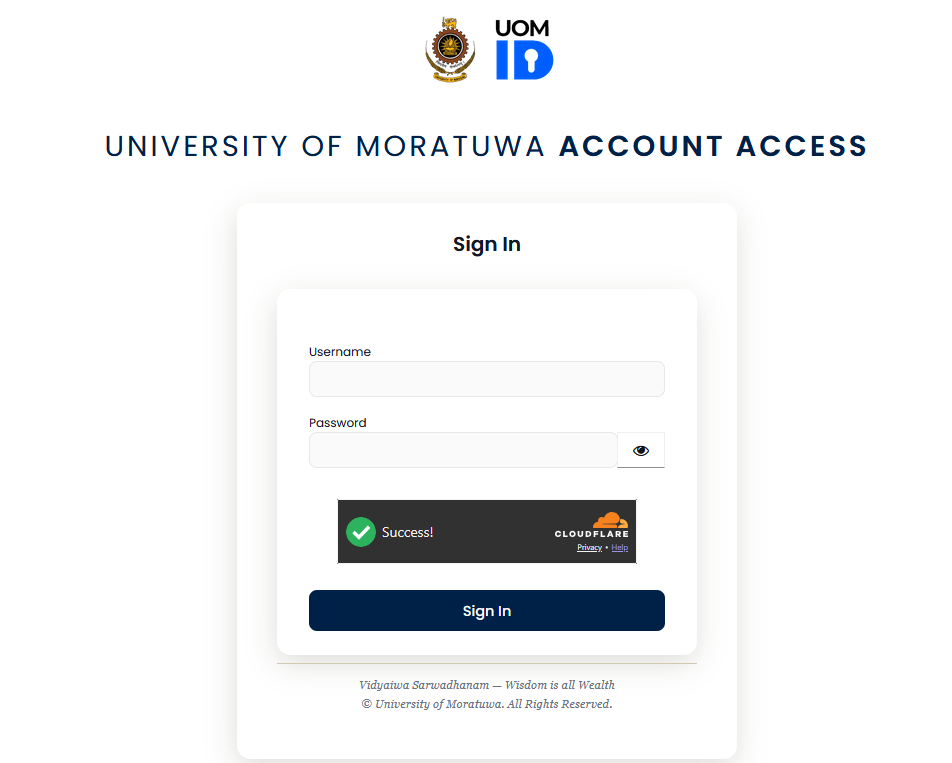
- If you are already signed in, you will automatically proceed to your gmail inbox. Otherwise you will see the UOM ID page to login at auth.uom.ac.lk.
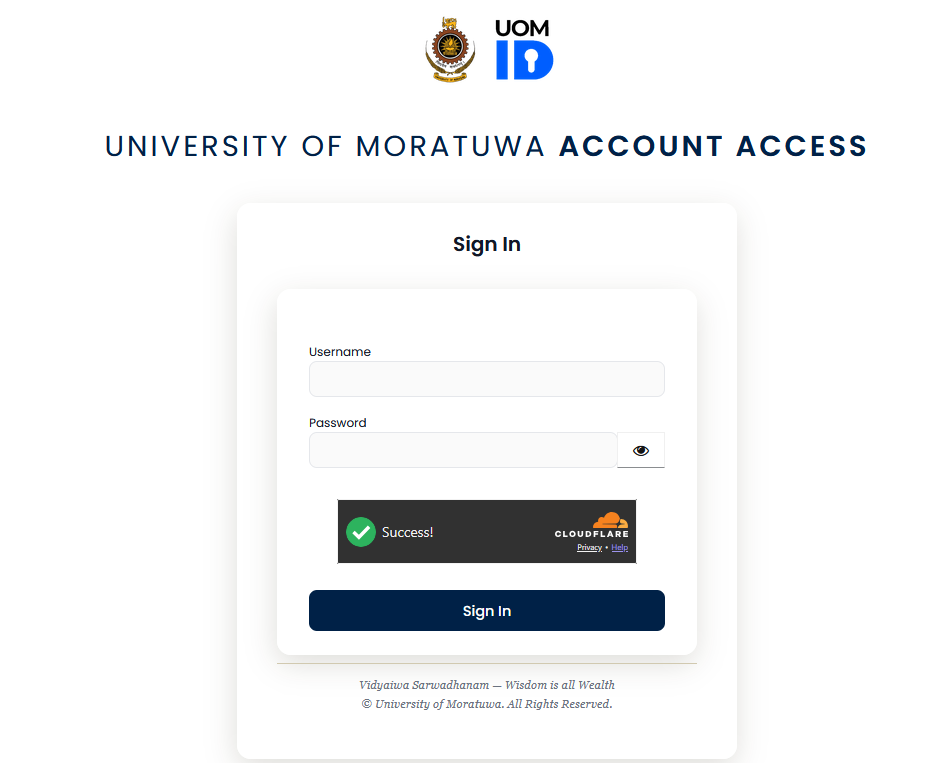
- Enter your UOM username and the password in the textboxes. Wait until the green tick appears in the Cloudflare box. If requested, click the checkbox.
- Click sign in.
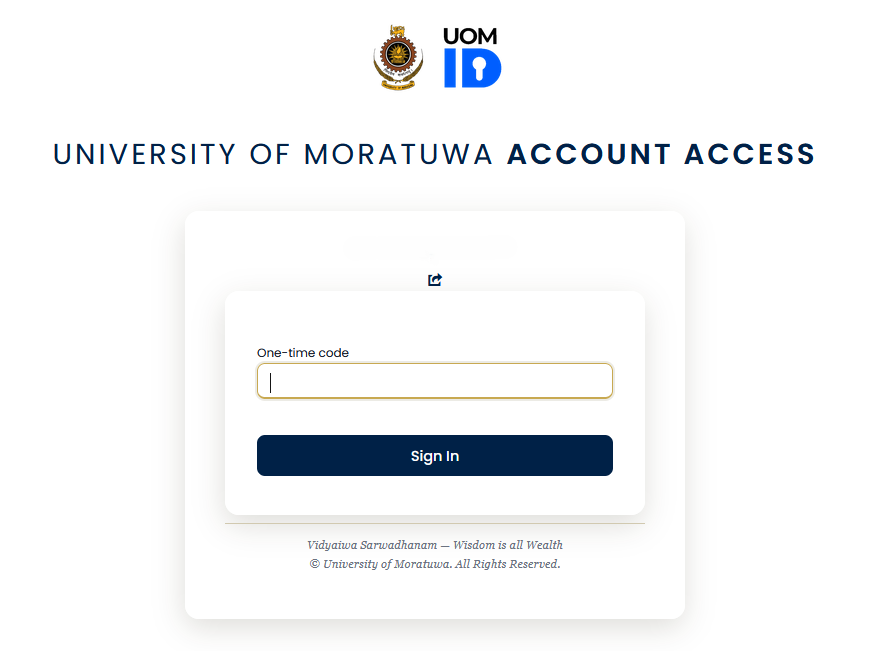
- Enter the one time code from your authenticator app on your phone. If you are logging in for the first time, please follow the guide by clicking here.
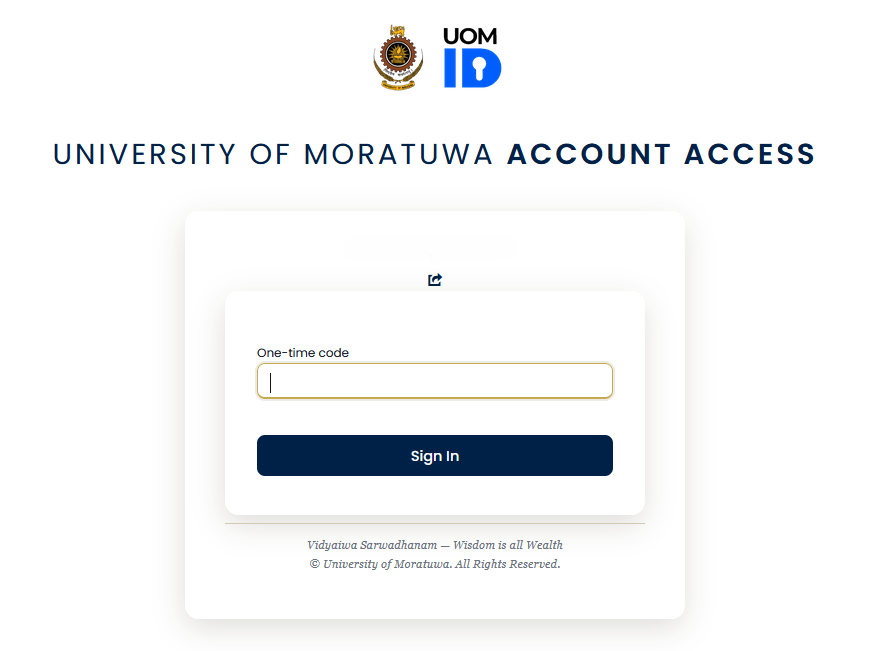
- Click sign in.
- You are logged into your UOM email.