Guidelines for Office installation and Activation
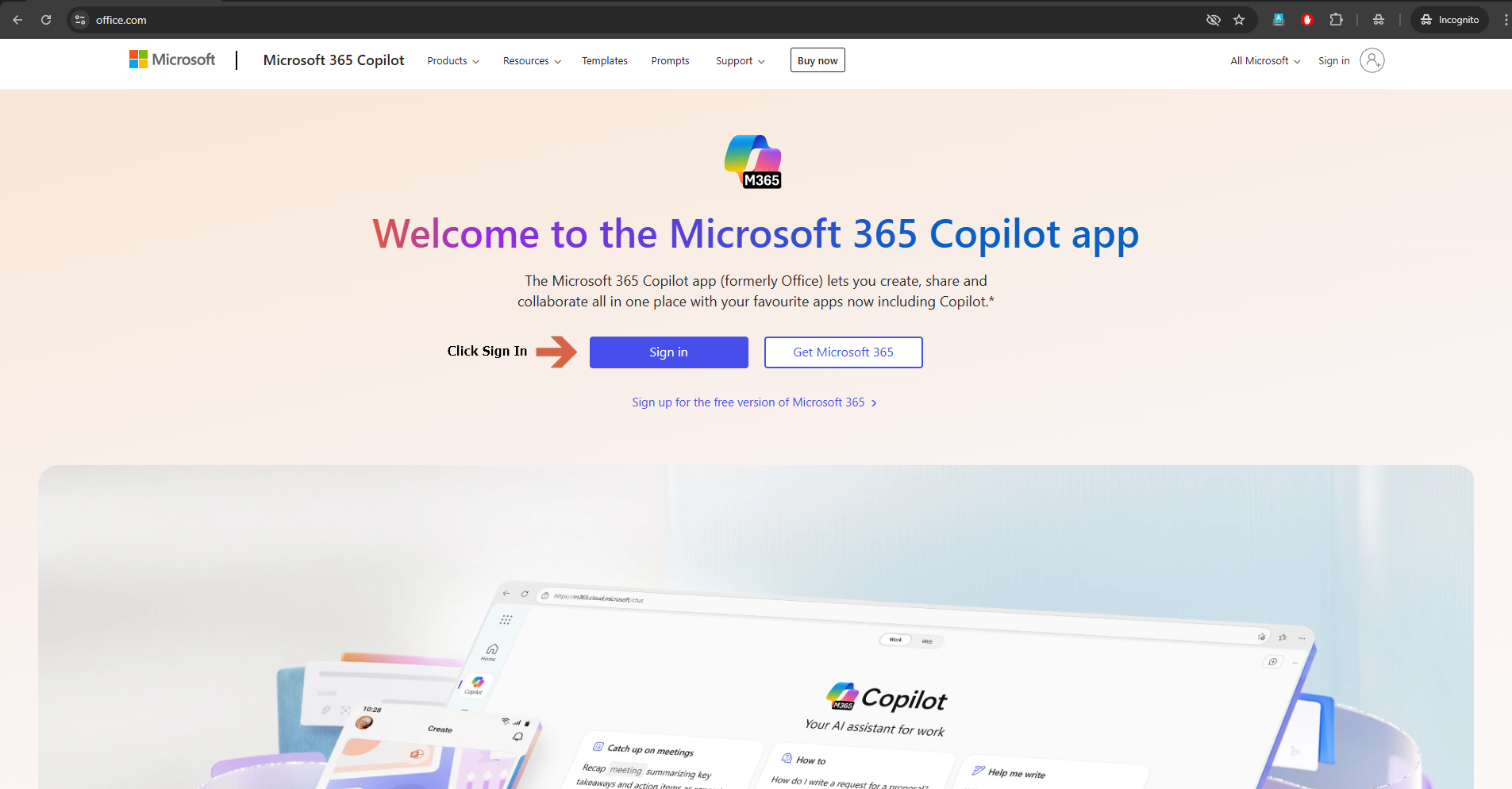
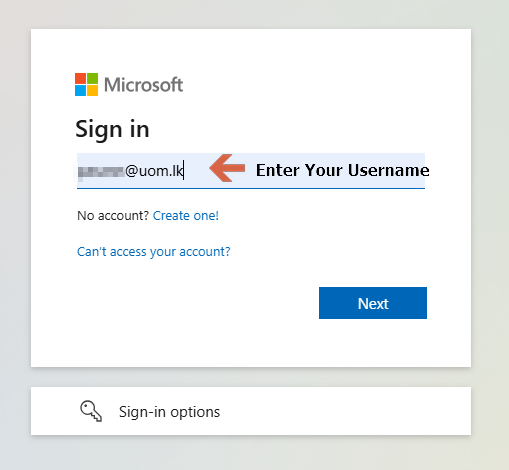
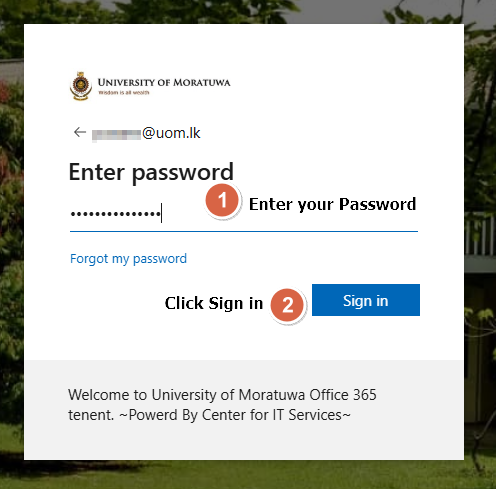
login to https://www.office.com/ with your university Office365Office 365 credentials. (
Please note that this guide lineguideline will notonly work for MSmicrosoft Project)O365 products nothing else.
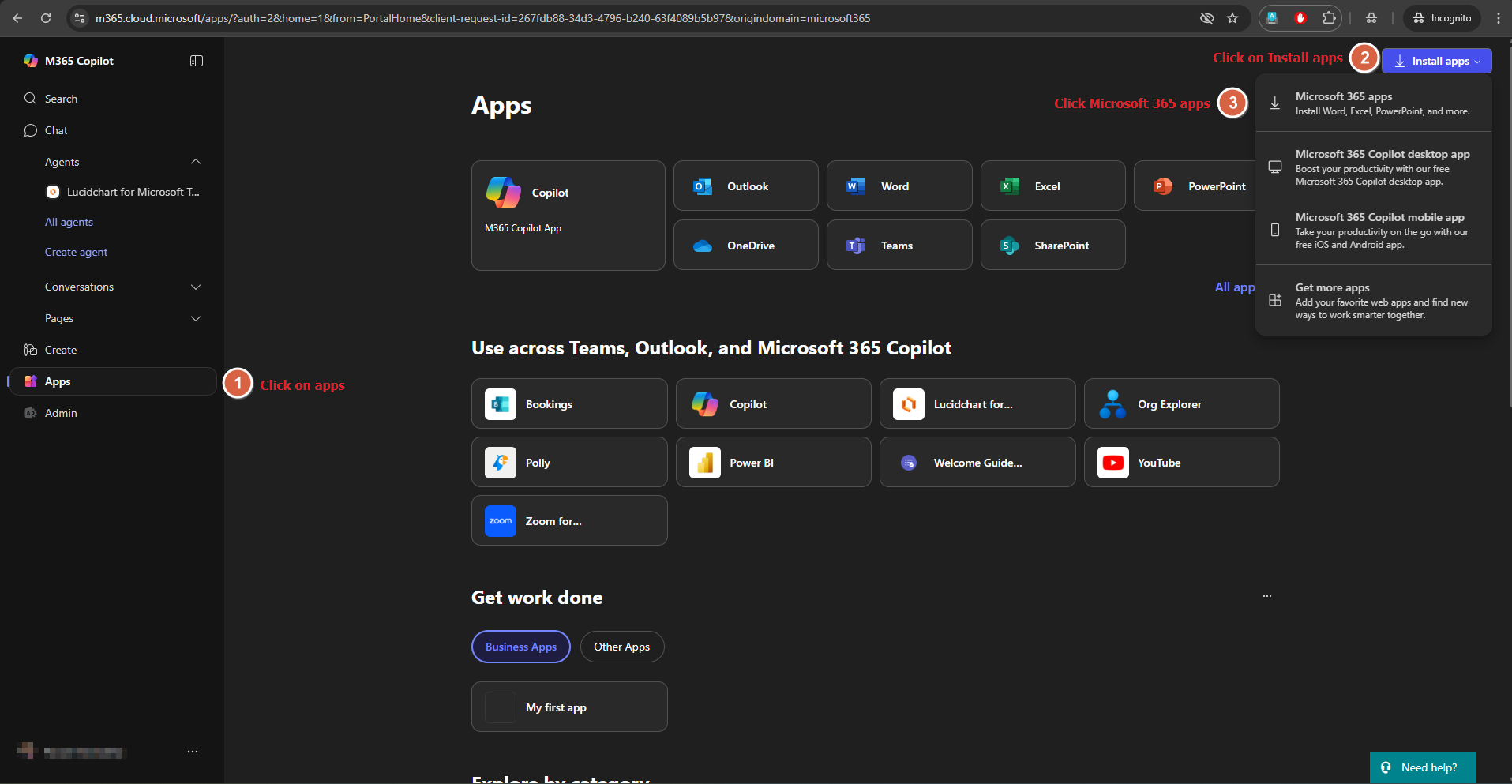
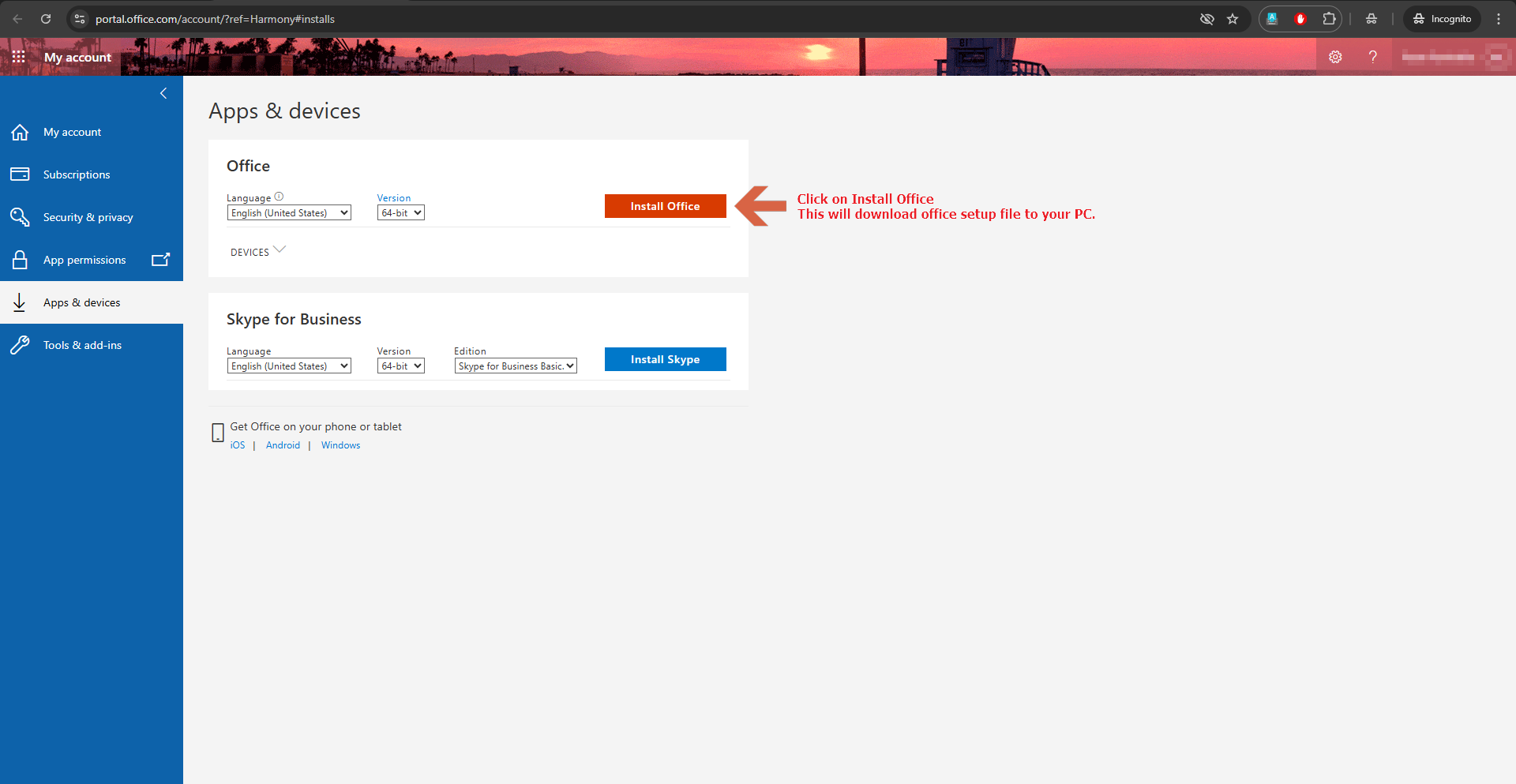
After downloading the Office setup file, execute it to initiate the installation. The duration of the installation will vary depending on your internet connection speed, as it is performed online. This process is straightforward and does not require technical expertise, making it suitable for completion by any user. Once the installation is finished. Follow the instructions below to activate your Office 365 apps.
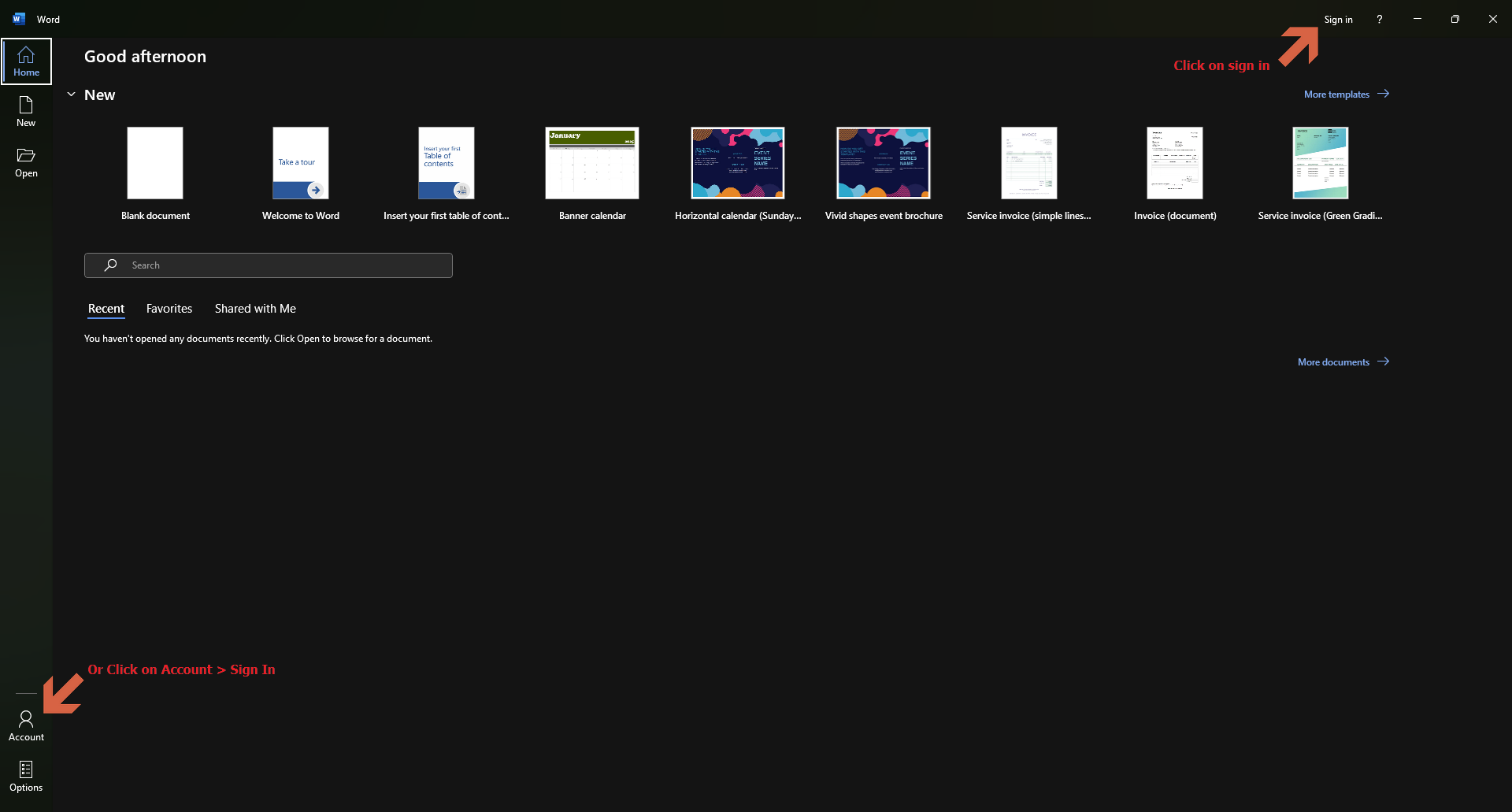
Open one of the Office 365 apps (Word, Excel, Etc.) And click Sign In
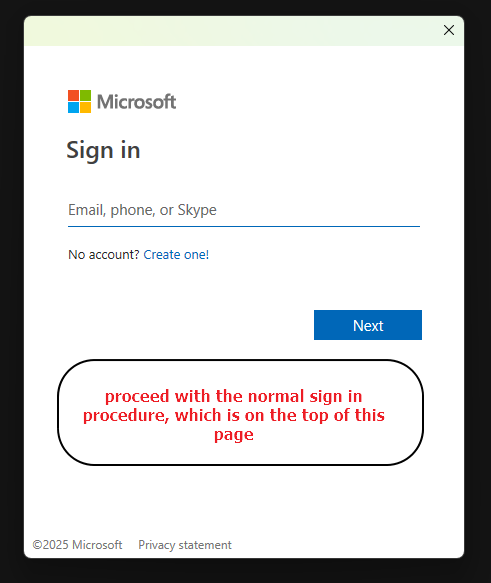
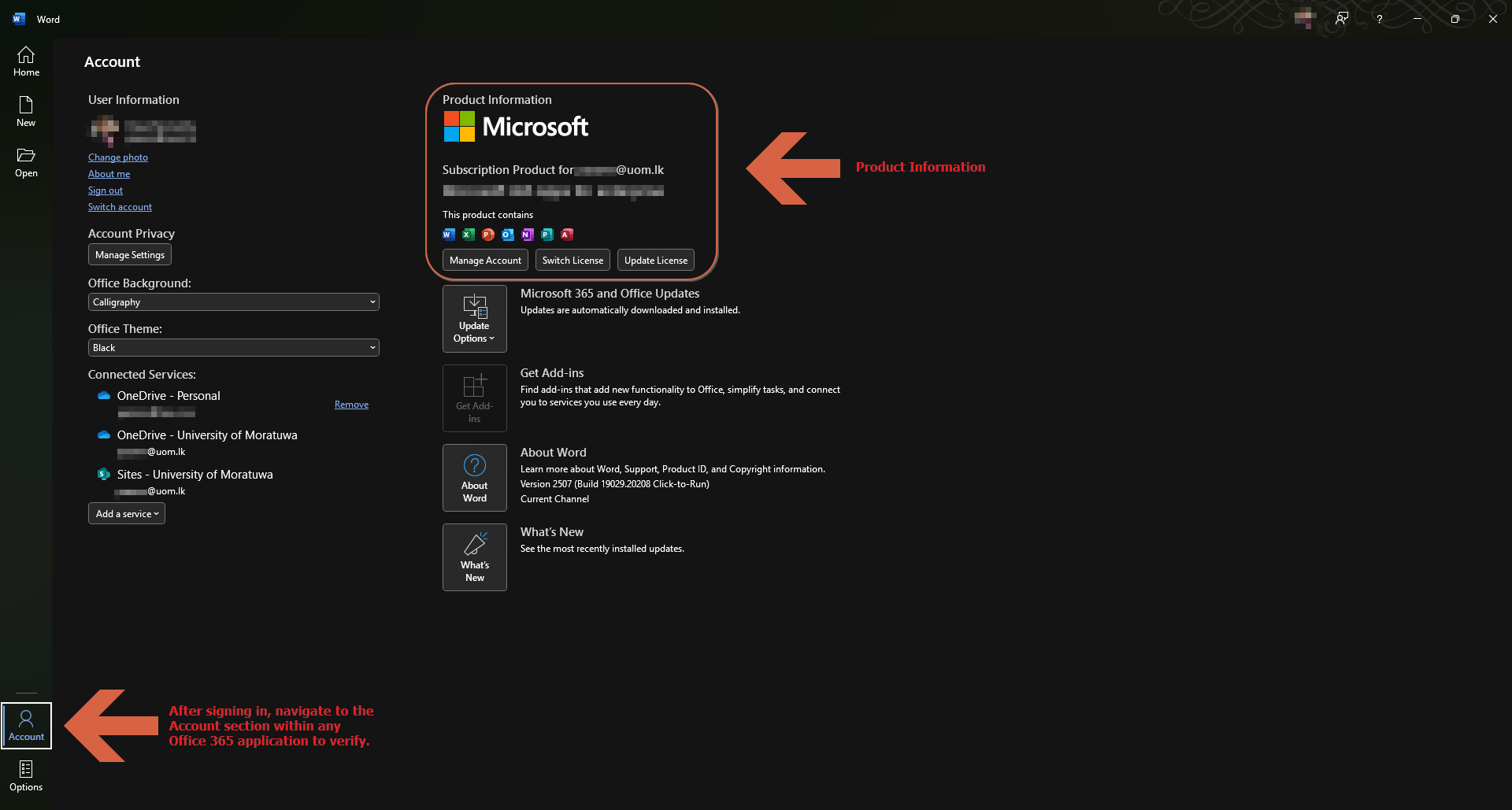
After signing in, navigate to the Account section within any Office 365 application to verify your access and credentials. Now all O365 products are activated.