
Guidelines for Registering Repeat Students
Login to the System
To begin the process of module offering, users must first log in to the Learning Management System (LMS) of the University of Moratuwa.
Accessing the LMS
Open a web browser (recommended: Mozilla Firefox or Google Chrome) and navigate to the following URL:
https://lms.uom.lk/login_index.php
Entering Login Credentials
Enter your Username and Password in the appropriate fields.
Click the Login button to access the LMS dashboard.
⚠️ Note: If you have forgotten your password, use the "Forgot Password" link on the login page.
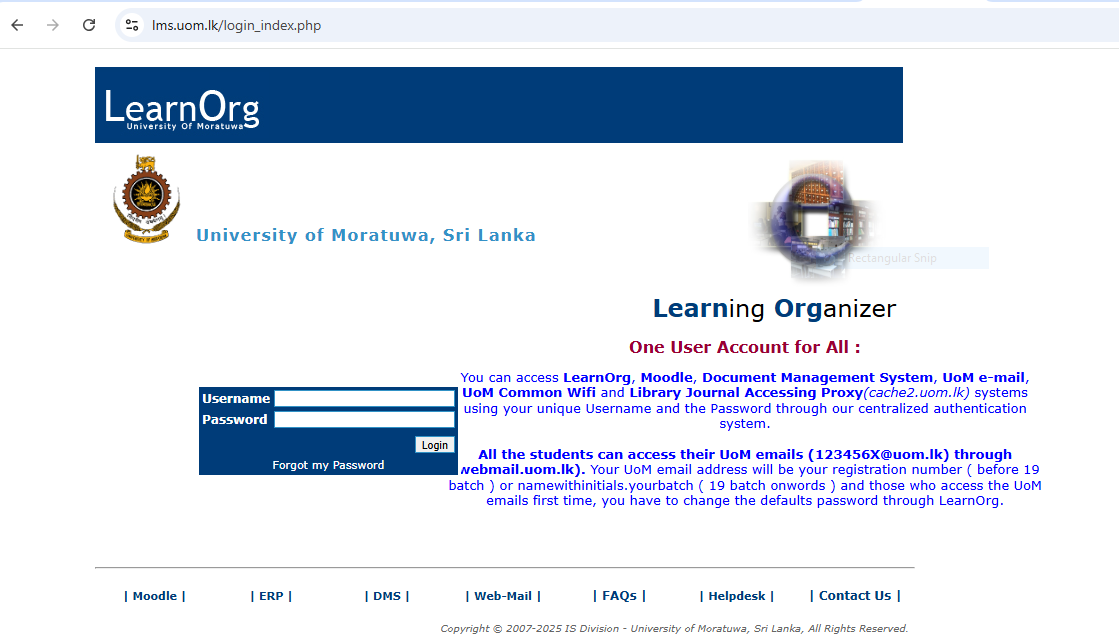
Figure 1: LMS Login Page